

Protect Every Endpoint With Reliable, Encrypted Cloud Backup
End-User Backup Services | CloudQuad
CloudQuad‘s secure End-User Backup Services protect all of your employees’ devices, including laptops, desktops, and remote workstations, across Ontario and Canada. Our endpoint backup solution keeps your teams’ data safe, backed up, and easy to get back, no matter where they work.
What Is End-User Backup?
What Is End-User Backup?
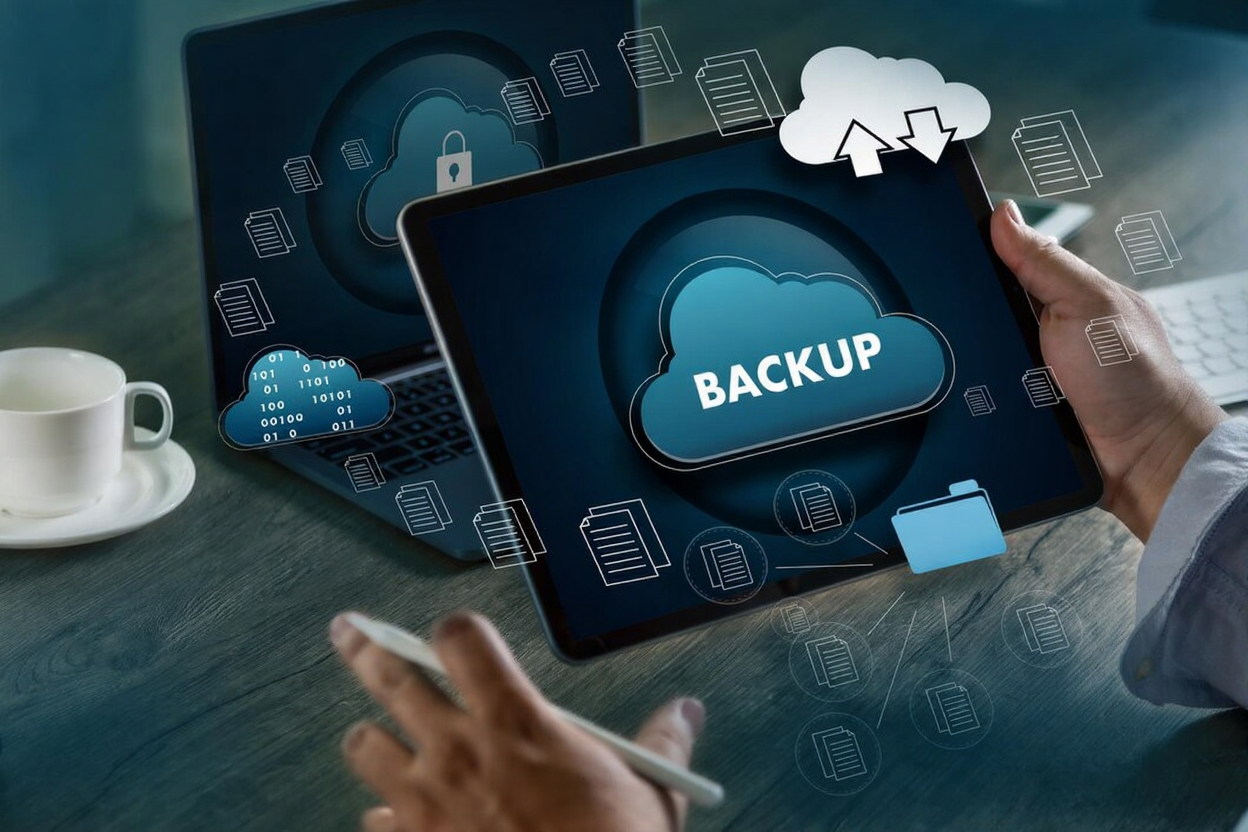
End-User Backup (also called Endpoint Backup) protects files and data on employee devices. It automatically backs up laptops and desktops, ensuring data is safely stored in the cloud. You can recover important user data immediately if a device is lost, stolen, damaged, or infected with ransomware.
Our End-User Backup Includes

Automated Laptop & Desktop Backups
Secure Cloud Storage for Endpoint Devices
Ransomware-Proof Backup Options & Fast File or Folder Recovery
Protection for Remote, Hybrid & Field Employees
Why CloudQuad Is the Best Choice for Endpoint Backup in Ontario?
Why CloudQuad Is the Best Choice for Endpoint Backup in Ontario?
CloudQuad’s Endpoint Backup solution keeps your remote workers safe by backing up their data to the cloud all the time and encrypting it. With centralized management, automated scheduling, and quick restore options, we make it easier to protect your data. Our solution makes sure that your business keeps running, that downtime is kept to a minimum, and that your organization is safe and compliant.
Industry-Specific Endpoint Backup Solutions

Finance & Accounting

Retail & Distributed Staff

Healthcare & Clinics

IT & Professional Services

Manufacturing & Field Teams

Education Services
Frequently Asked Questions.
Why do businesses need backups for end users?
Devices used by employees often hold essential work information. Endpoint Backup protects your data from loss, theft, hacking, or hardware failure.
What kinds of devices can be backed up?
We back up laptops, desktops, workstations, and devices that people use from home, on both Windows and macOS.
Do you provide Endpoint Backup in all of Ontario and Canada?
Yes. CloudQuad offers complete End-User Backup services in Ontario, Toronto, Brampton, Mississauga, Ottawa, and all over Canada.
Can Endpoint Backup help employees who work from home or in a hybrid setting?
Of course. Our cloud-based backup keeps remote workers, field staff, and hybrid teams safe without requiring on-site systems.
How quickly can I get back the files that I lost?
Depending on the size of the backup, recovery usually takes only a few minutes for files, folders, or the whole device.